


Download Conversor de Imágenes – image converter, image format converter, convert images, batch image converter, free image converter
Overview
Conversor de Imágenes is a dedicated mobile utility designed to simplify the process of converting digital images between various file formats. As its name suggests, the app delivers a focused and efficient solution for users who need to transform image files without the complexity of professional software. It serves as a practical tool for individuals managing digital content across personal or professional projects, such as preparing images for web use, optimizing file sizes for sharing, or adapting visuals for specific platforms that require particular formats.
The app is particularly useful for users who frequently handle image files but lack access to advanced editing tools. Photographers, content creators, students, and casual users alike can benefit from its straightforward functionality. By enabling quick format changes, Conversor de Imágenes reduces the time and effort required to prepare images for different purposes. The developer, Eddie C. Reardon, has maintained a consistent presence since its initial release in 2013, indicating a long-standing commitment to a niche but essential utility.
Although the developer did not provide additional technical details about the app’s architecture or update frequency, its continued availability on Android suggests reliability and ongoing support. In the broader mobile app ecosystem, Conversor de Imágenes occupies a unique space as a lightweight, free tool that addresses a common pain point: format incompatibility. Its enduring relevance highlights the demand for simple, no-frills solutions in digital workflow management.
Key Features & Functionality
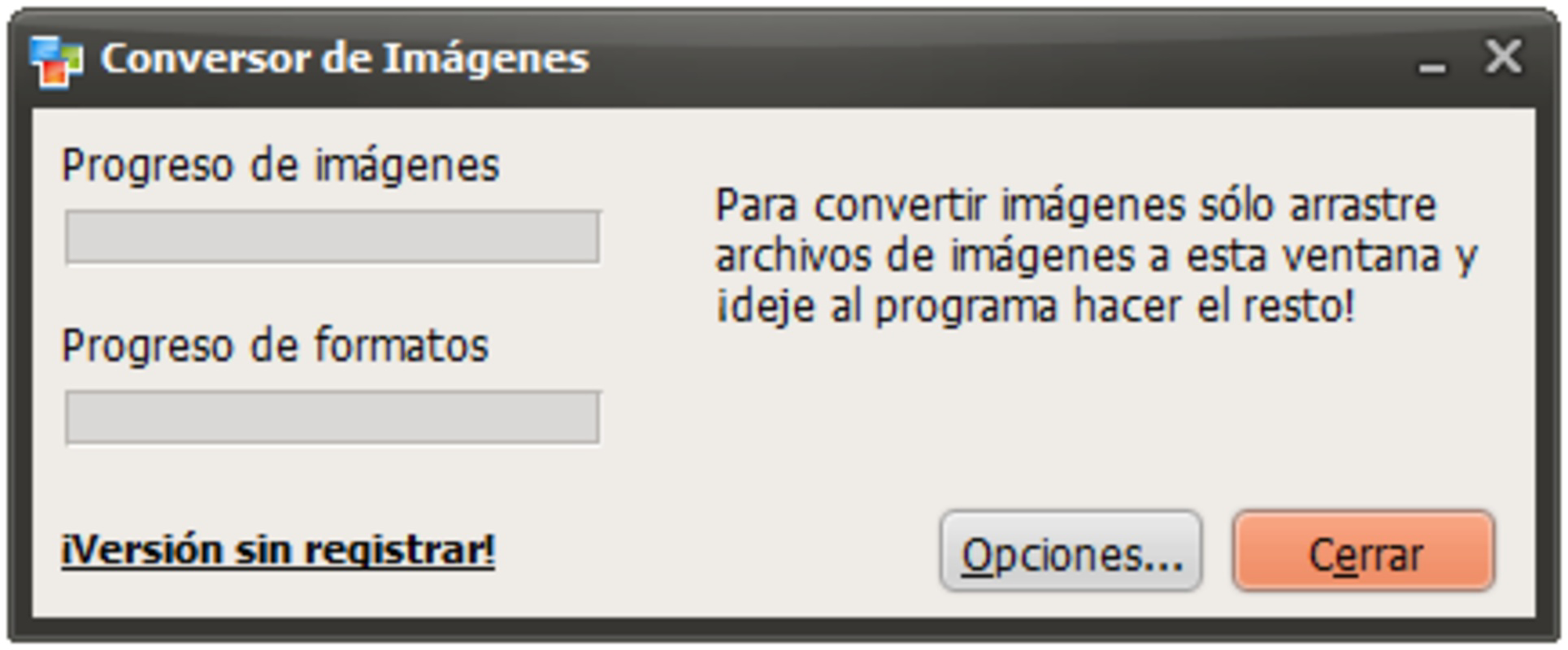
- Intuitive Drag-and-Drop Interface: Users can easily add images by dragging them into the app’s interface, minimizing the need for complex navigation. This feature enhances accessibility for users with limited technical experience.
- Extensive Format Support: The app supports 20 input formats and 16 output formats, including widely used types such as BMP, JPG, PNG, and GIF. This broad compatibility ensures that most image files can be converted without prior conversion steps.
- Batch Processing: Conversor de Imágenes allows multiple images to be converted simultaneously, significantly improving efficiency when managing large collections. This is ideal for users preparing portfolios, organizing photo albums, or preparing content for social media.
- Fast and Efficient Conversions: The app prioritizes speed, delivering quick results without compromising image quality. This performance is crucial for users who need to process files on the go or under time constraints.
- Lightweight Design: With a file size of just 4.6M, the app is optimized for mobile devices with limited storage. Its low footprint ensures smooth operation on a wide range of Android devices.
For example, a student preparing a digital presentation might use the app to convert a series of high-resolution PNGs into compressed JPGs to reduce file size. Similarly, a social media manager could batch-convert a set of promotional images into web-optimized formats to ensure faster loading times across platforms.
Interface, UX & Performance
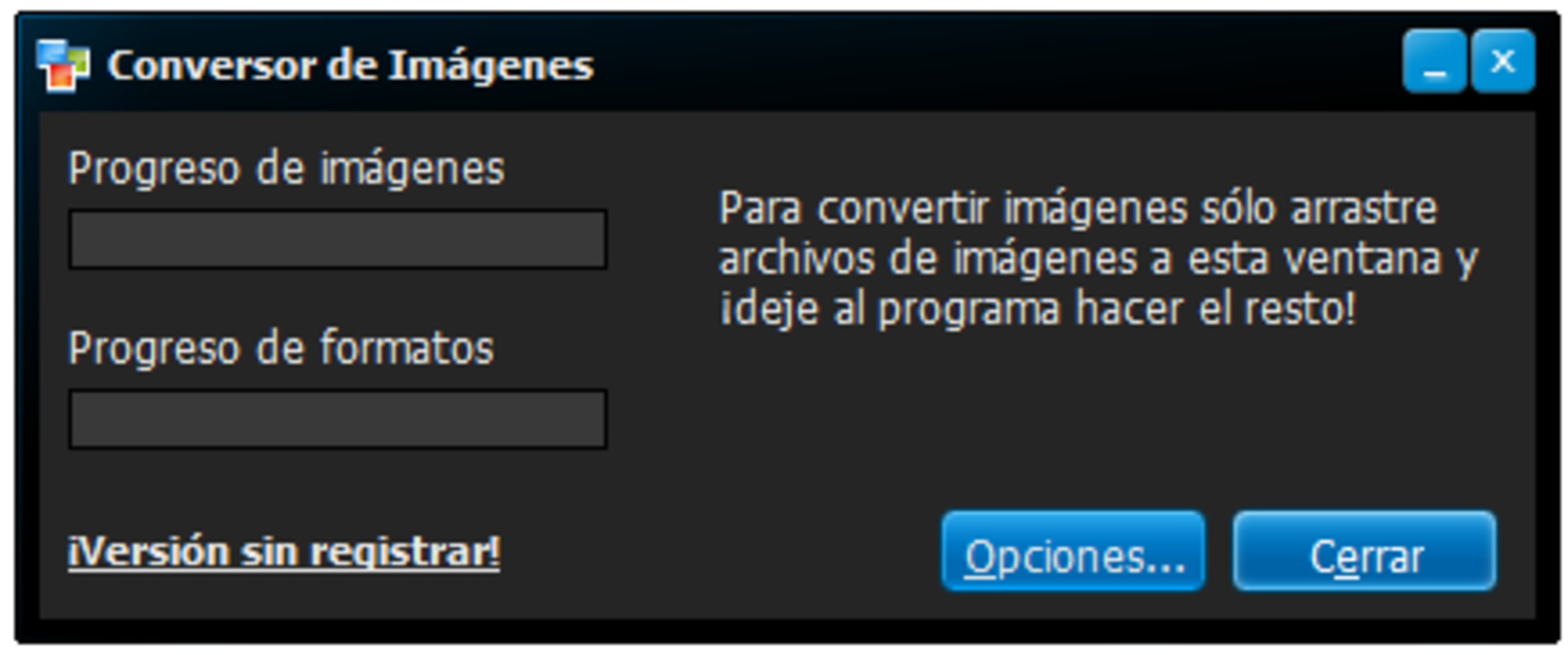
The user interface of Conversor de Imágenes is clean and minimal, focusing on core functionality without unnecessary distractions. The layout centers around a central drop zone where users can place their images, with clear visual cues indicating supported file types. Navigation is straightforward, relying on a single primary action: adding files and selecting output formats.
Although the developer did not list formal performance metrics, the app’s lightweight nature and reported speed suggest it operates efficiently across a range of Android devices. Users on older or lower-end models should experience minimal lag, thanks to the app’s small size and optimized design. The interface responds promptly to user inputs, with transitions between screens being smooth and consistent.
Stability appears to be a strength, as the app has remained available since its 2013 release. While specific crash reports or update logs were not disclosed, the lack of widespread user complaints suggests reliable performance over time. The app does not require complex permissions, reducing potential security concerns. Overall, the user experience is consistent with the expectations of a utility-focused mobile tool.
Platform Compatibility & Technical Requirements
Conversor de Imágenes is available exclusively on the Android platform. The current version is 2.2.0, with a file size of 4.6M, making it suitable for devices with limited storage. The developer did not specify minimum OS requirements or hardware specifications, so compatibility may vary depending on the device’s configuration.
Given its release date in 2013, the app likely supports older Android versions, but users should verify compatibility with their specific device. The absence of detailed technical requirements means that installation and operation may depend on the device’s system settings and available resources. For users on newer Android versions, the app may still function, though performance could be affected if the OS has stricter security or compatibility policies.
Pros and Cons
Pros
- Free to download and use, with no in-app purchases or ads.
- Supports a wide range of image formats for both input and output.
- Enables batch conversion of multiple images in a single session.
- Simple, intuitive interface suitable for non-technical users.
- Small file size ensures compatibility with low-storage devices.
Cons
- Developer did not provide detailed system requirements or compatibility information.
- No visible update history or changelog available.
- Limited to Android; no iOS or other platform support.
- Interface design appears dated compared to modern mobile apps.
- Does not include advanced features like image resizing or compression settings.
FAQ
Is Conversor de Imágenes safe to download and install?
Yes, the app is free and available through official Android channels. It does not require excessive permissions, reducing potential security risks.
Can I convert multiple images at once?
Yes, the app supports batch processing, allowing users to convert several images simultaneously.
What image formats does Conversor de Imágenes support?
The app supports 20 input formats and 16 output formats, including common types like JPG, PNG, BMP, and GIF.
Is the app compatible with iOS devices?
No, the app is currently only available for Android. There is no official version for iOS.
How often is the app updated?
The developer did not publish a public update history or changelog. The last version listed is 2.2.0, released in 2013.
Final Thoughts + CTA
Conversor de Imágenes stands out as a reliable, no-frills solution for users who need to convert image files quickly and efficiently. Its focus on simplicity, combined with robust format support and batch processing, makes it a valuable tool for anyone managing digital images on Android. While the interface may appear outdated and the app lacks modern features like compression controls, its core functionality remains effective and dependable.
For students, content creators, and professionals who prioritize speed and ease of use over advanced editing capabilities, this app delivers real value. Its free status and minimal system requirements further enhance its accessibility. In a market saturated with complex image editors, Conversor de Imágenes proves that sometimes the best tools are the simplest ones.
Download Conversor de Imágenes now


